
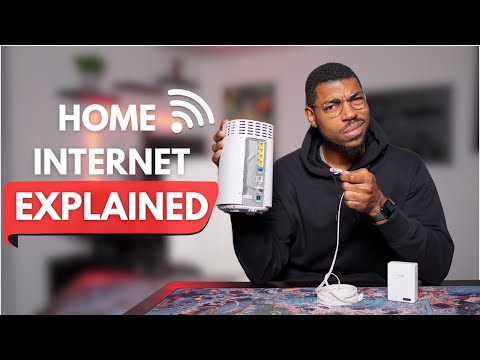
You experiencing lag or slow download speeds? 🎮 Whether you’re gaming, streaming Netflix, or transferring files, this video will help you optimize your home network for faster speeds and better performance.
Learn how the internet works, pick the right ISP, and set up your router or modem for maximum efficiency. Discover why ethernet is king for low latency gaming and how Wi-Fi versions (5/6/7) impact your speeds. Plus, tips for managing multiple devices, boosting Wi-Fi coverage, and upgrading your setup!
Flat Ethernet Cable: (Amazon)
TP Link Ethernet Switch: (Amazon)
💡 Topics Covered:
Reduce lag and improve ping for gaming
Wi-Fi vs. ethernet: What’s best for you?
Choosing the right ISP, router, and modem
Managing bandwidth for streaming, gaming, and more
Chapters:
0:00 Intro – How Internet Works
1:10 Choosing Your Internet Service Provider
3:58 Routers & Modems
6:43 Wifi vs Ethernet
4:05 Router and Modem Basics – Wi-Fi versions, ethernet ports, and combo devices
6:22 Wi-Fi vs. Ethernet – Which one is better for gaming, streaming, and more?
7:30 Wi-Fi Pros and Cons
7:57 Ethernet Options
12:14 Wi-Fi Options
14:00 Example Scenarios & Use Cases
#techtips #networking #internet #tech #pcgaming #gamingsetup

Ok video but the way you explain how the internet works or get to the customer is not. We don’t use towers to get the internet to yall, we have groups of hubs or nodes, depending on if its coax or fiber.
Rivals crashing distracted me
3 videos was all it took for me to subscribe. Learning how to play steam games from my PC to my phone at home, remotely, and I got those wall ethernet adaptors since I couldnt get one cord to travel across my house. All of it worked. Thank you for sharing.
I have wifi 7 tp link card im getting around 220-300mbps download and 50mbps upload :))
5G wireless router seem more prone to latency