
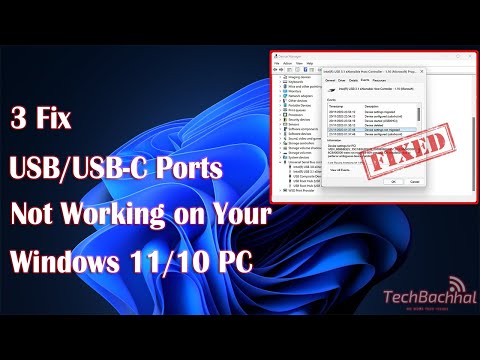
Are your USB or USB-C ports not working on Windows 11? In this video, we’ll show you how to troubleshoot and fix common issues with your USB and USB-C ports. Follow our step-by-step guide to get your ports back in working order and ensure your devices connect properly. Don’t let hardware problems slow you down—watch now and resolve the issue quickly!
Keywords: USB ports not working, USB-C ports issue, Windows 11 troubleshooting, fix USB ports, USB not detecting, Windows 11 USB problem, USB-C troubleshooting.
Hashtags: #USBPorts #Windows11 #TechSupport #Troubleshooting #USBFix #PCRepair #TechTips
00:00 Intro
00:14 Update driver
00:54 Troubleshoot
02:13 Reinstall driver
03:03 Outro
Command Used:
msdt.exe -id DeviceDiagnostic
Thanks
guys i need help my laptop is win 11 when i am playing games or doing some task my mouse disconnects and doesnt work again till i restart my laptop help MEEE!
thank you, i followed uninstall driver step
hi so ive tried connecting my old microphone in the port where i usually have my keyboard it didnt work so i tried plugging my keyboard back there it didnt work i check if it works in other ports it does i check if anything works in that port nothing does i tried everything from doing this to doing some things in the bios screen yet it still didnt work i dont know if its physical or not please help me
Not working, waste of time.