
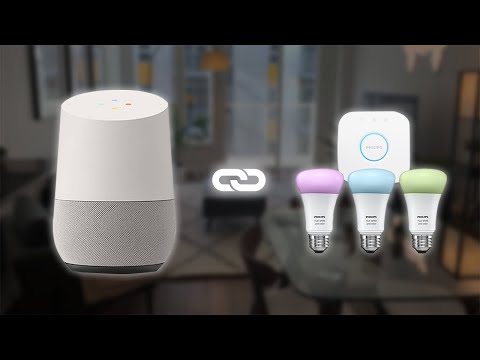
If you want to know how to setup Philips Hue with Google Home, then this is the right video for you. In this video I’m installing and setting up voice controlled smart lighting! Philips Hue + Google Home (Mini) = ultimate laziness. I got the Philips Hue starter kit a while ago, and I’m very happy with it so far.
Here are some time codes to find your sweet spots:
0:00 – Intro
0:21 – Unboxing
1:30 – Setting up
2:14 – Hue App Setup
2:50 – Google Home Setup
3:23 – Hue App Walk-through
6:22 – Hue Sync Setup
7:06 – Outro
If you are more interested about the Philips Hue functionalities, I’m planning on making another video about that soon! So stay tuned for that.. Subscribe to be the first to get all the updates, or check this description for the link in the near future.
I also made an unboxing video for the Google Home Mini if you want to check that out:
I aim to upload every Friday, so I hope to see you back next week!
Video Gear I use:
Music in this video: Dreams – Lakey Inspired
I must have missed the part where you control the lights with your voice.
Google Home app pretty much does everything the hue app does. Do you ever even need the hue app?
useless
“Voice controlled” in the title and not a single hint on how to make it work via voice assistant in Google home. Useless video thanks for nothing.
Great job at explaining everything. Thank you!