
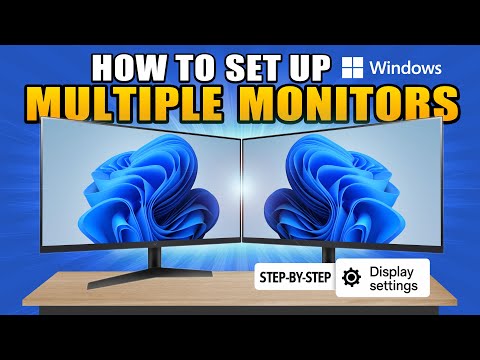
In this video, we’ll show you step-by-step how to set up multiple monitors on your Windows PC. Whether you’re using two, three, or even more screens, we’ll walk you through everything from hardware connections to display settings and layout optimization.
Shop Monitors on Amazon:
Purchasing links are affiliated. As as Amazon Associate, I earn from qualifying purchases.
Chapters
– 0:00 Intro
– 00:07 Connecting monitors to your graphics card
– 00:30 Boot into Windows and update drivers
– 00:44 Configuring your main display settings
– 02:50 Setting the viewing mode
– 03:32 Setting up a vertical display
– 04:03 Changing scale settings
– 04:44 Setting your native screen resolution
– 05:12 Setting the correct refresh rates
– 05:50 Ease of use settings
– 06:19 Taskbar settings
– 06:49 Setting the desktop backgrounds
– 07:36 Outro
👇 Got questions or need help? Drop a comment below.
Check out my PC Building Playlist:
Don’t forget to like, subscribe, and hit the bell 🔔 for more PC hardware guides and tech tutorials!
no homo i love you guy this video just help me so much
Cant even pass 0:55
Few things already know , still many people not know those basics on the dual monitor, i learned now few things from this video , good informative.
Finally a video that helped me, thanks alot
Would have been nice to know before I smashed my only monitor